机型适配
从 iOS 到 Android,适配主流机型,让你的截图在任何设备上都完美呈现!
更好用的带壳截图工具,可轻松将截图添加到设备边框中,你可以用它来分享壁纸或应用程序截图


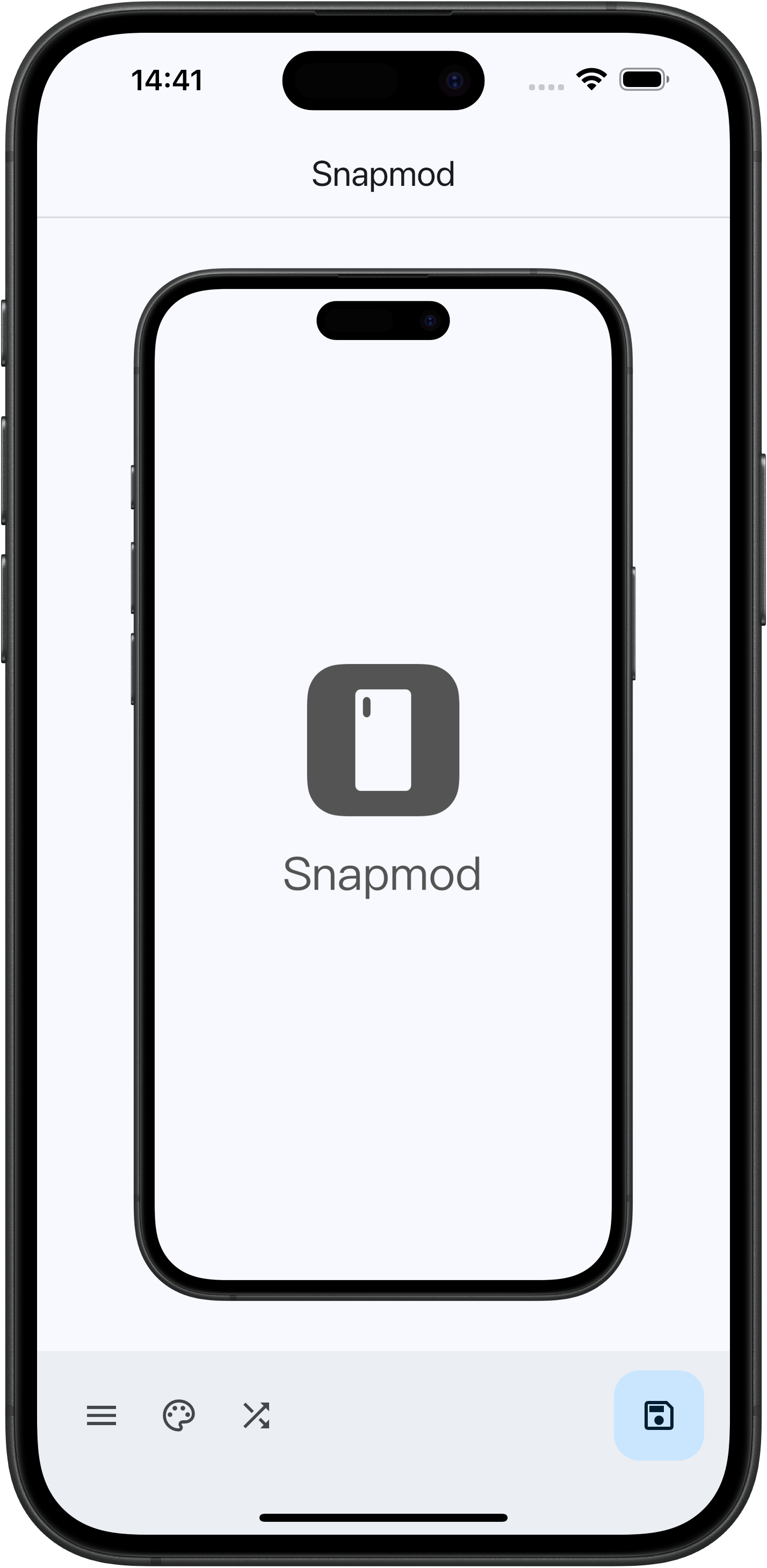

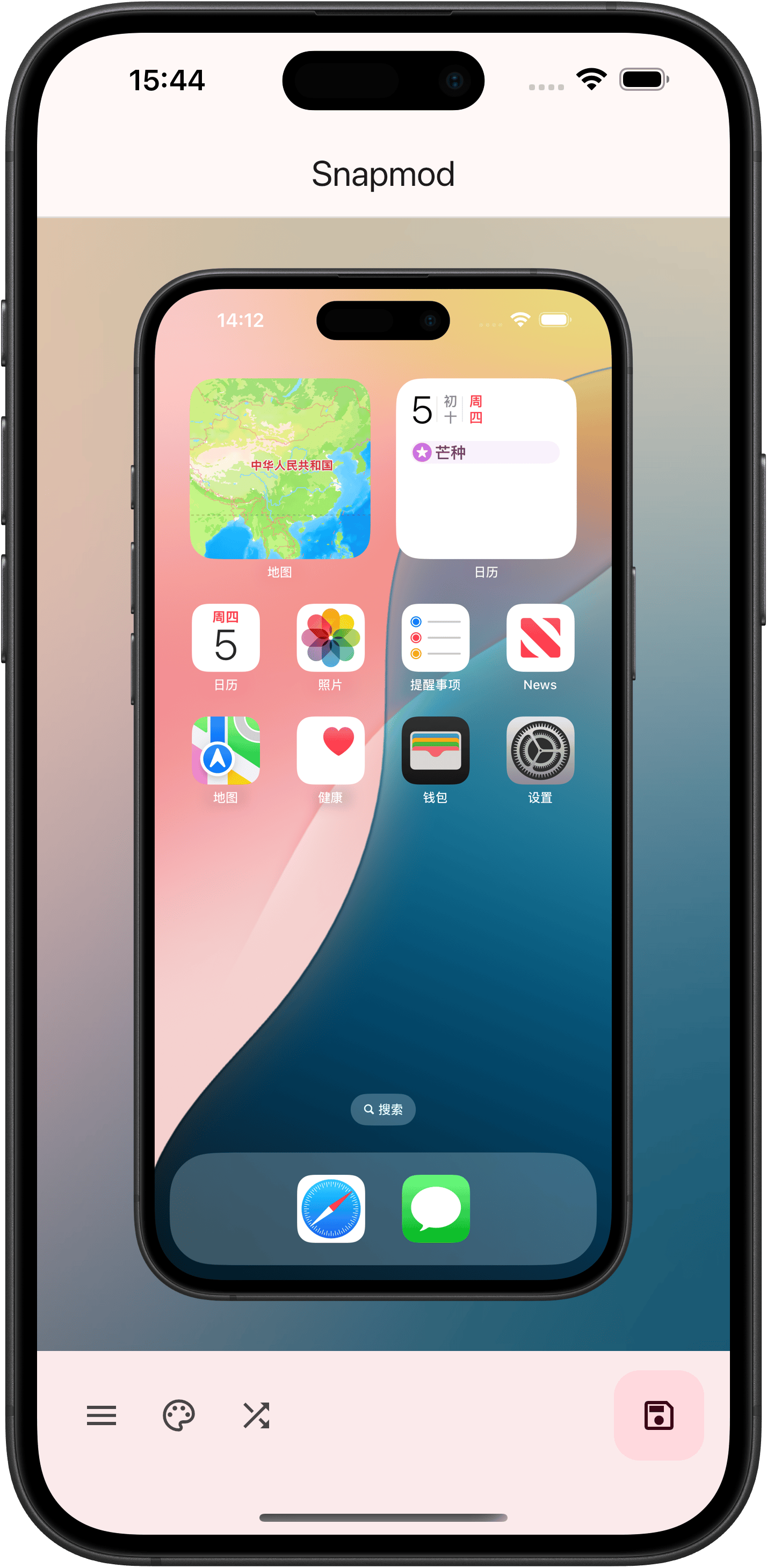

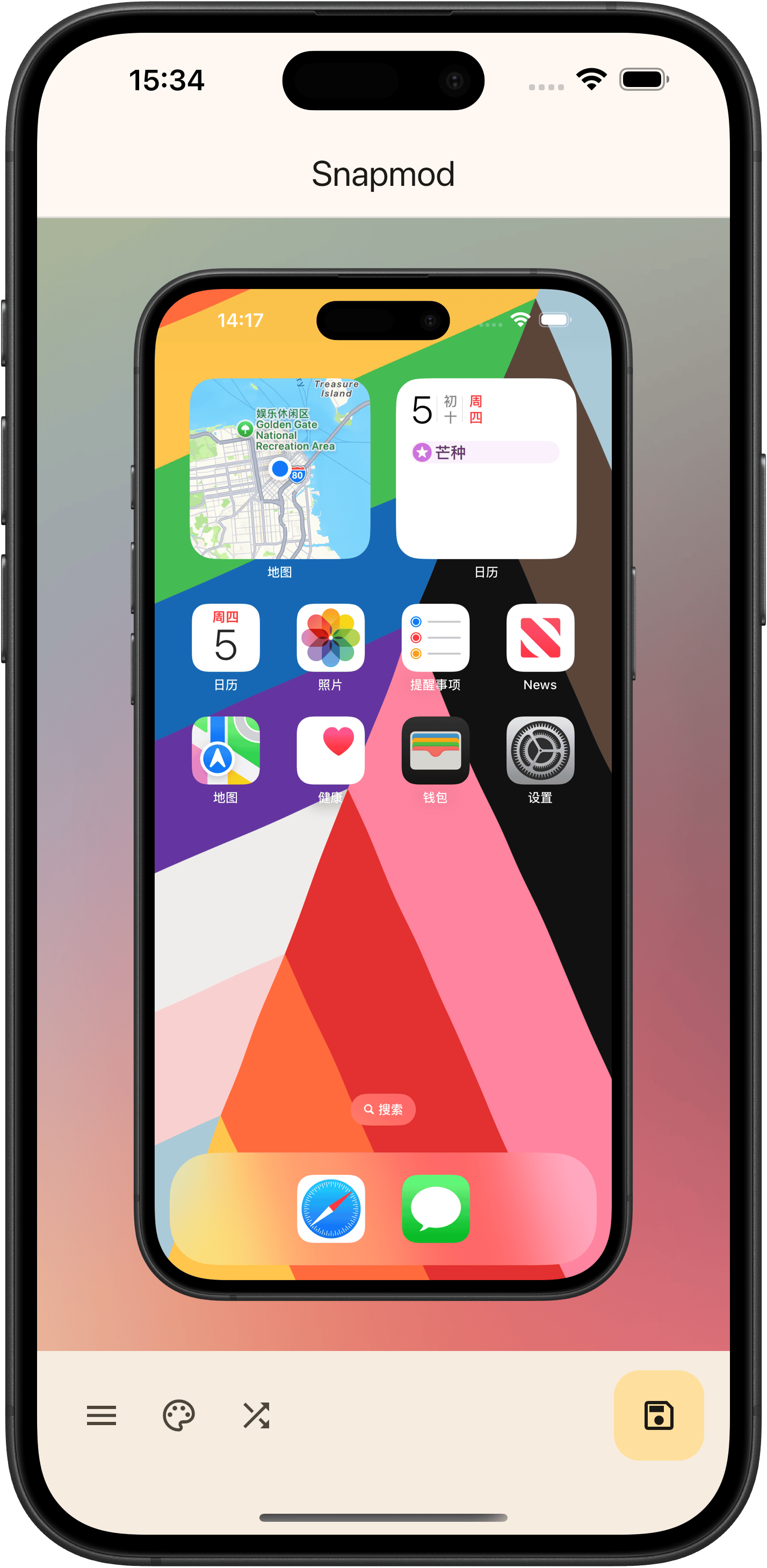
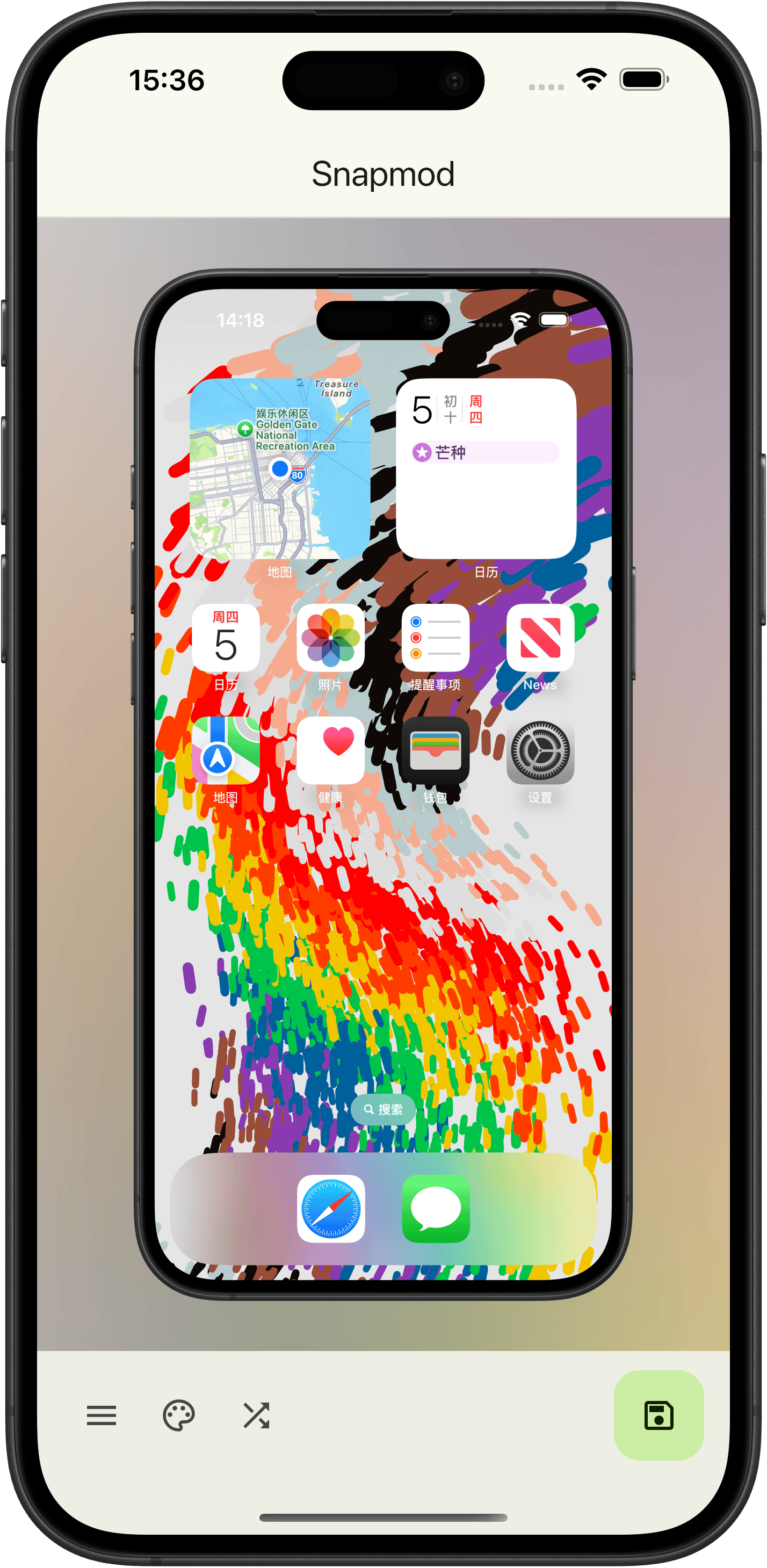
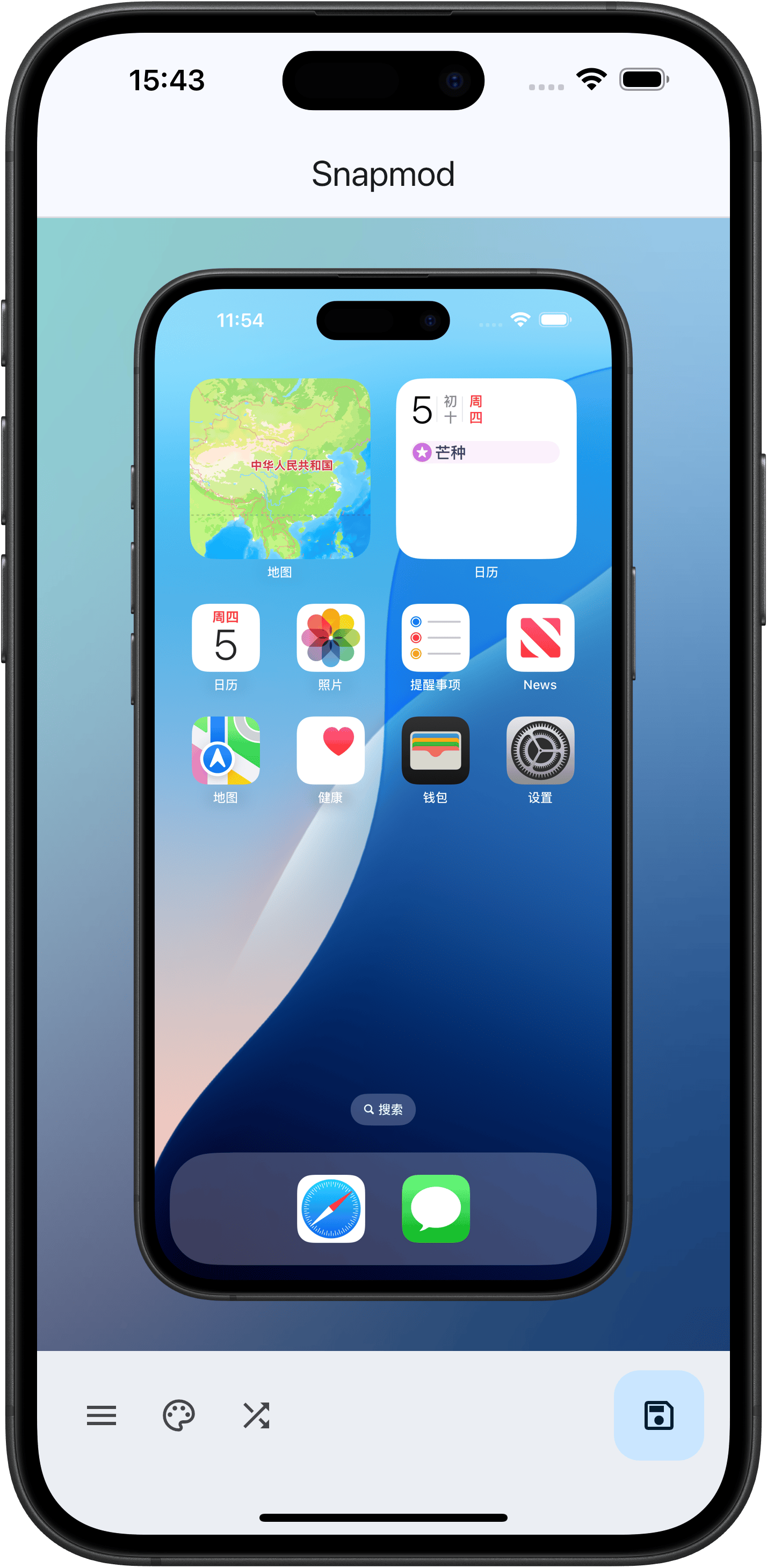
从 iOS 到 Android,适配主流机型,让你的截图在任何设备上都完美呈现!
Material Design 3 加持,每一个像素都经过精心雕琢,颜值爆表到让人忍不住多看几眼!
AI 智能识别截图主题色,自动切换最佳主题配色,打造独一无二的专属视觉盛宴!
告别单调背景!自动生成千变万化的模糊背景,让你的截图瞬间变身艺术品!
毫秒级响应,丝滑到让你怀疑人生!再也不用等待,灵感来了就能立刻捕捉!
革命性的两步操作,从截图到导出只需眨眼功夫,简单到连奶奶都能轻松上手!
加入数千名满意用户的行列,让你的截图焕然一新
作为一个设计师,我对这个应用简直爱不释手!Material Design 3 的设计语言真的太棒了,每个像素都经过精心雕琢。特别是智能主题功能,AI 能自动识别我截图的主题色并切换到最佳主题,省去了我手动调整的麻烦。
As a UI/UX designer, I'm absolutely in love with this app! The Material Design 3 implementation is flawless - every pixel is meticulously crafted. The smart theming feature is a game-changer; the AI automatically detects my screenshot's color scheme and applies the perfect theme.
真的太方便了!以前用其他应用总是要点来点去好多步骤,现在从截图到导出真的就是眨眼间的事情。而且速度超快,毫秒级响应,完全不用等待。
The two-step export feature is incredibly convenient! My grandmother could literally use this app - it's that simple. Other apps require so many taps and steps, but this one goes from screenshot to export in the blink of an eye.
兼容性做得非常好!我有 iPhone 16 和 小米 14,两个设备上使用体验都很棒。截图效果都很完美。作为一个技术人员,我很欣赏这种跨平台的一致性体验。
The magic background feature is absolutely stunning! No more boring, plain backgrounds. The app automatically generates ever-changing blurred backgrounds that instantly turn my screenshots into works of art.